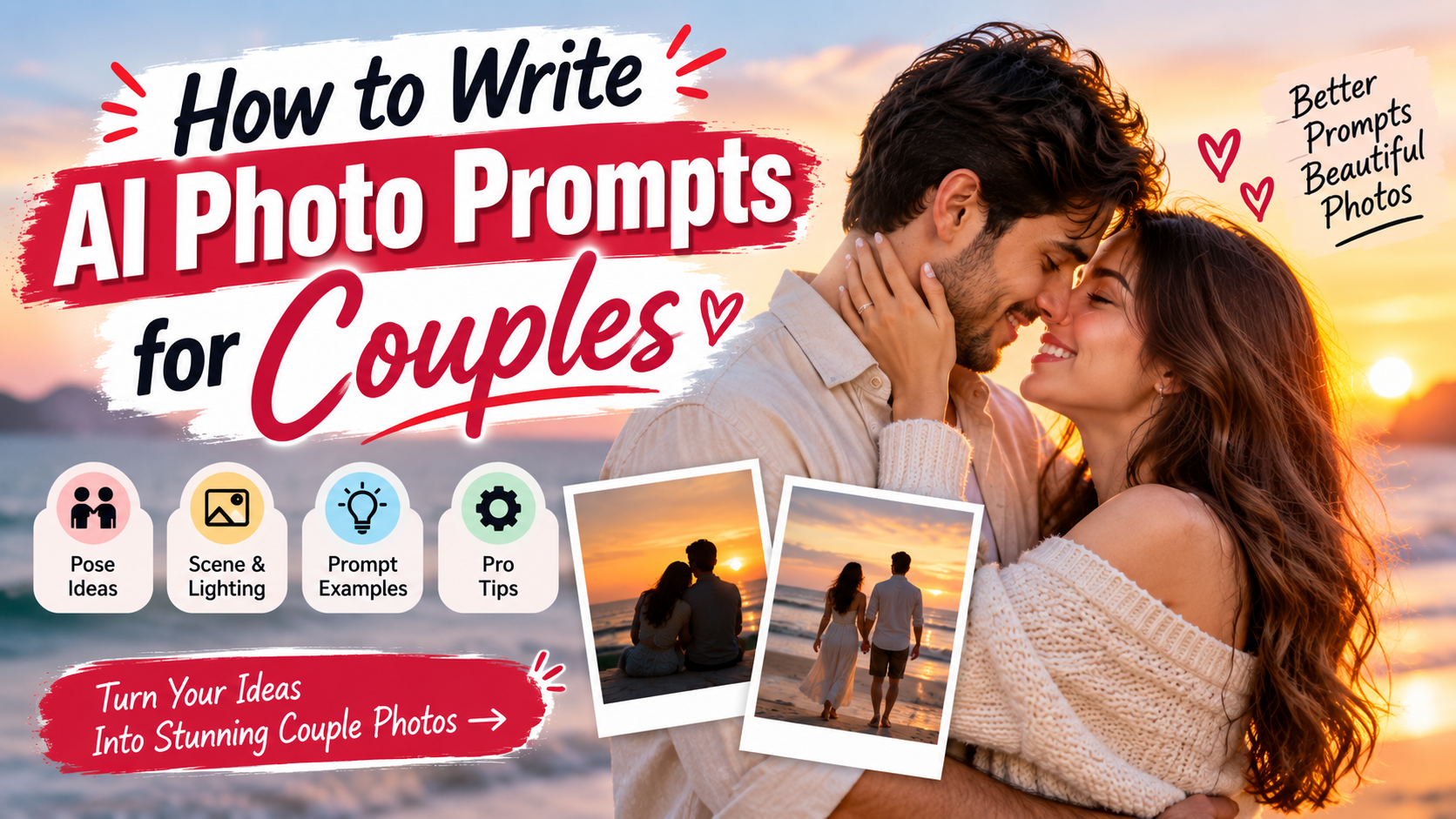
Most AI couple photos look off. The people stand too stiff, the hands look wrong, or the faces do not feel like they belong to the same moment. A lot of that comes down to the prompt. When the instructions are vague, the model fills in the gaps with generic ideas. When the prompt is clearer, the results improve.
This is a practical look at how to write better prompts for couple photos. It is based on what tends to work across the common tools right now.
Begin with a Simple Order
A usable prompt usually covers a few things in a natural order:
Who the people are.
What they are doing.
Where they are.
What the light is like.
What kind of photo it should feel like.
You do not need every single detail every time. But leaving out the important ones usually produces something flat.
A weak prompt looks like this:
“Romantic couple photo”
A stronger one looks more like this:
“Couple in their early thirties standing close on a quiet beach near sunset, the man a little taller, both looking at each other with soft smiles, warm light on their faces, slight breeze moving her hair, natural photography style”
The second version gives the model something concrete to work with.
Describe the Two People Without Overdoing It
AI tools need some information about the people, but too much detail can make the faces look artificial. Keep it to the basics that matter for the scene.
Useful things to mention:
- Rough age
- Hair length and color
- Simple clothing
- Height difference if it is noticeable
Example:
“Man with short dark hair and light stubble, woman with medium-length brown hair, both dressed casually”
If you are making several images of the same couple, keep those descriptions almost identical each time. Changing a few words can produce completely different faces.
You usually do not need to describe exact eye color or skin tone unless it is important to the image you want. The model often handles those better when left alone.
Get the Pose and Interaction Right
This part matters more than most people realize. “Romantic couple” does not tell the model much. Specific interaction does.
Good examples of clear poses:
- Standing close with foreheads almost touching, eyes closed
- Walking side by side holding hands and looking at each other
- Sitting on a couch with her head on his shoulder
- Slow dancing in a living room, his hand on her lower back
The more natural the body language sounds, the better the result usually is. Avoid poses that feel forced or overly dramatic unless that is exactly what you want.
Also decide whether they are looking at each other or at the camera. Mixing both in the same prompt often confuses the model.
Give the Scene and Light Some Attention
A strong setting helps the photo feel real. Empty or vague backgrounds make everything look like a studio shot.
Settings that tend to work well:
- Tree-lined path or quiet park
- Beach at the end of the day
- Simple room with window light
- City street in the early evening
Lighting makes a big difference too. Soft light is usually more flattering than harsh midday sun.
Helpful lighting phrases:
- Soft window light
- Warm late-afternoon sun
- Overcast daylight
- Quiet evening indoor light
You can keep these short. The model understands them.
Add a Few Style Notes at the End
A couple of clear style words at the end of the prompt help set the overall look.
Useful ones:
- Realistic photography
- Natural skin texture
- Candid feel
- Soft background
- Shot on film
Three or four is usually enough. Long lists of quality words (“masterpiece, ultra detailed, 8k, best quality”) often do less than people expect and sometimes make the image look less natural.
Ready Examples You Can Change
Casual outdoor:
“Couple walking slowly through a park in autumn, holding hands, leaves on the ground, soft cloudy light, natural and relaxed, realistic photo style”
Quiet indoor:
“Couple sitting close on a couch near a window, afternoon light across them, her head resting on his shoulder, calm expressions, warm tones, natural detail”
Playful:
“Couple on a beach laughing, he is lifting her a little off the ground, ocean behind them, bright daylight, candid moment”
Evening:
“Couple on a balcony at dusk, city lights starting to show, his arms around her from behind, both looking out, soft blue light, quiet mood”
Change the ages, clothes, location, or exact pose to fit what you need.
Mistakes That Regularly Cause Problems
Writing only “beautiful couple” or “romantic photo” and nothing else.
Spending most of the prompt on clothes or background and almost none on how the two people are relating to each other.
Giving opposite instructions in the same prompt, such as “looking at the camera” and “gazing into each other’s eyes.”
Making the prompt extremely long with every possible quality term. Clear and direct usually works better.
Ignoring basic body language. If the height difference or arm placement sounds unnatural, the image often looks awkward.
Getting More Consistent Results
When you want a series of photos of the same couple, write the physical description once and reuse it with only small changes to the pose and setting.
Generate a few versions of the same prompt. Small differences between outputs are normal. Pick the strongest ones.
If the faces keep coming out strange, try shortening the facial description. Sometimes the model does better with less instruction.
Some tools let you use reference images for faces. When that option is available, it can help keep the same people across multiple images.
Quick Check Before You Hit Generate
- Are the two people described clearly enough?
- Is the pose or interaction specific?
- Is there a clear setting and light?
- Does the style note match what you want?
- Are there any conflicting instructions?
If most of those are covered, the prompt is usually in decent shape.
Writing AI photo prompts for couples is mostly about being direct. Tell the model who the people are, what they are doing with each other, where they are, and what the light feels like. Keep the language simple and the focus on the interaction between the two people. Once that structure becomes familiar, adjusting it for different moods or locations gets much easier. The clearer the relationship and the moment feel in the prompt, the more natural the final image tends to look.